
Set it. Let it happen.
Start a scene at a chosen time or when another device changes. Automations can continue with the background controller running, even when the app window is closed.
Bring your smart devices together,
starting with Matter and Philips Hue.
For Windows · Local control
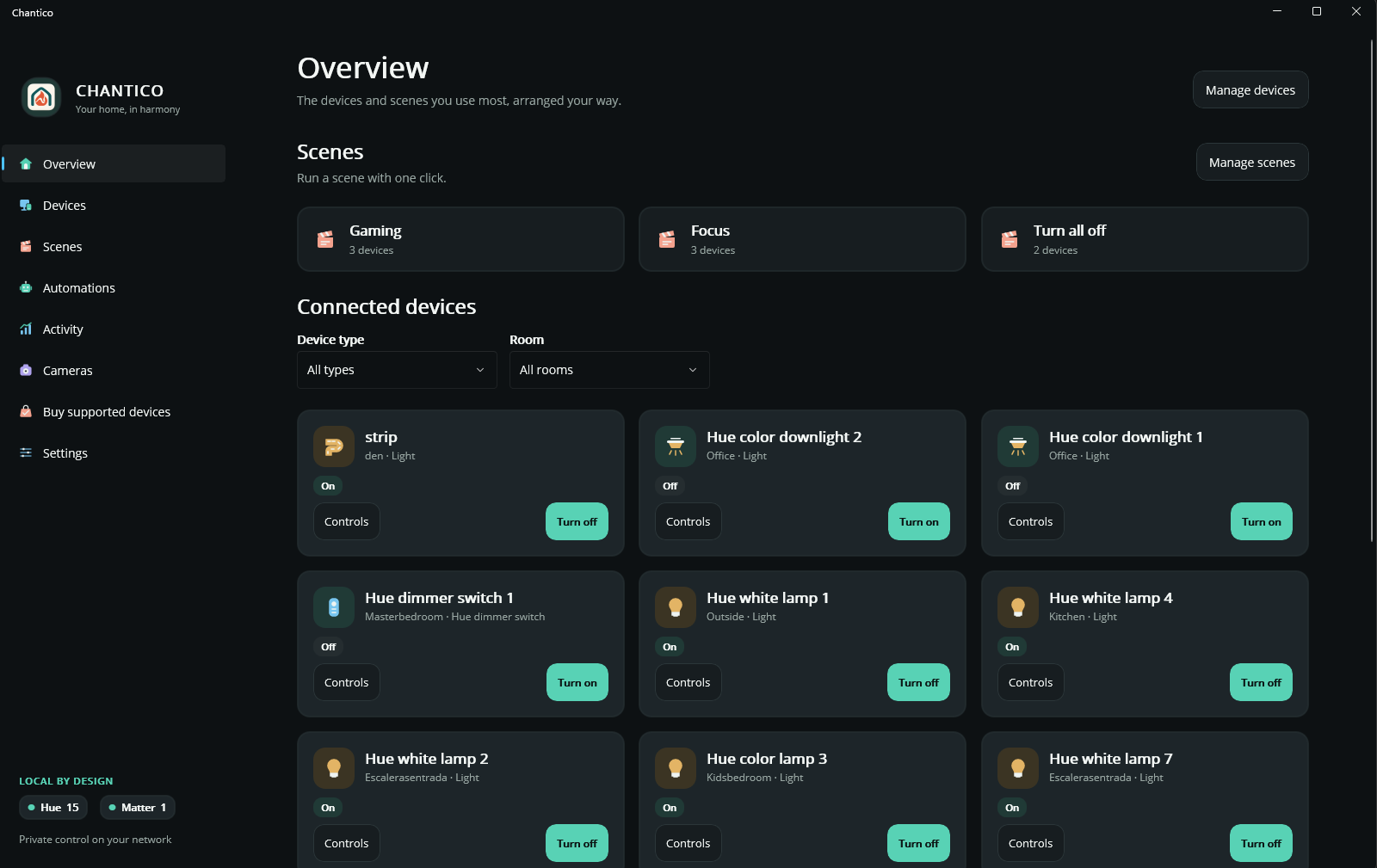
Bring your lights, scenes, and everyday controls together on your PC. Keep your home configuration on your device.
See supported devicesYour room, in your rhythm.
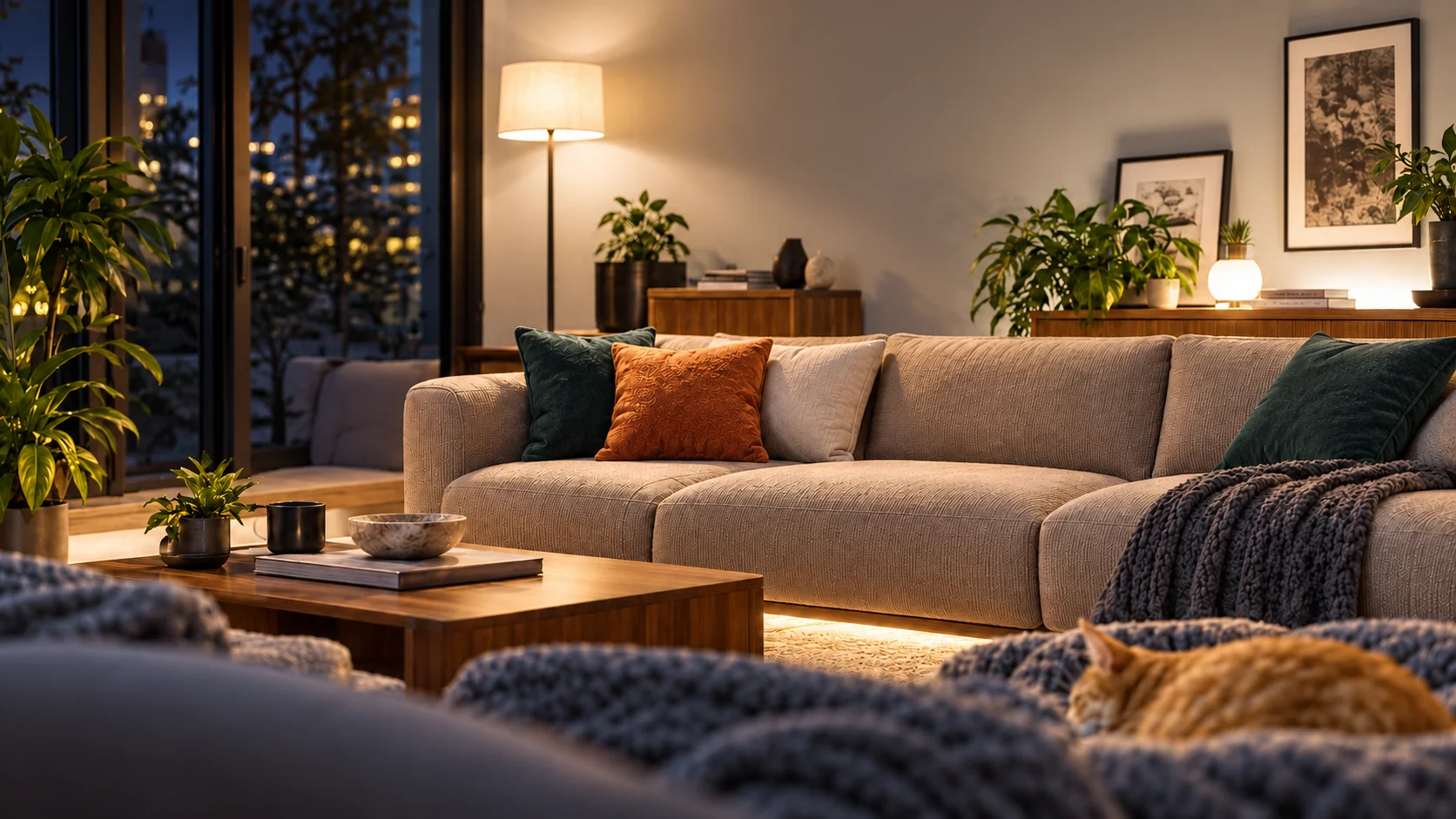
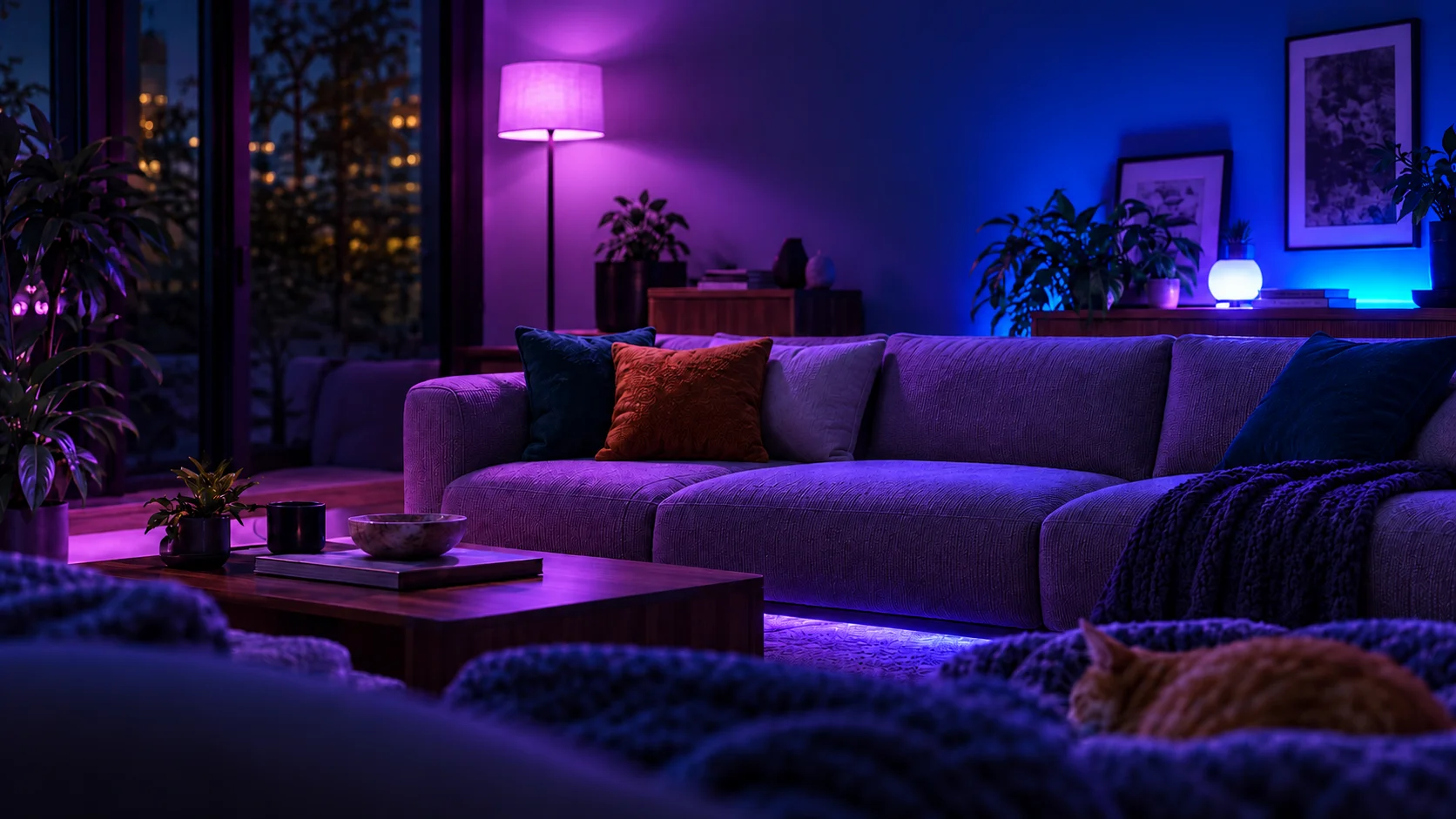
Set the lights for the task ahead. Bring your favorite device settings together in one scene.
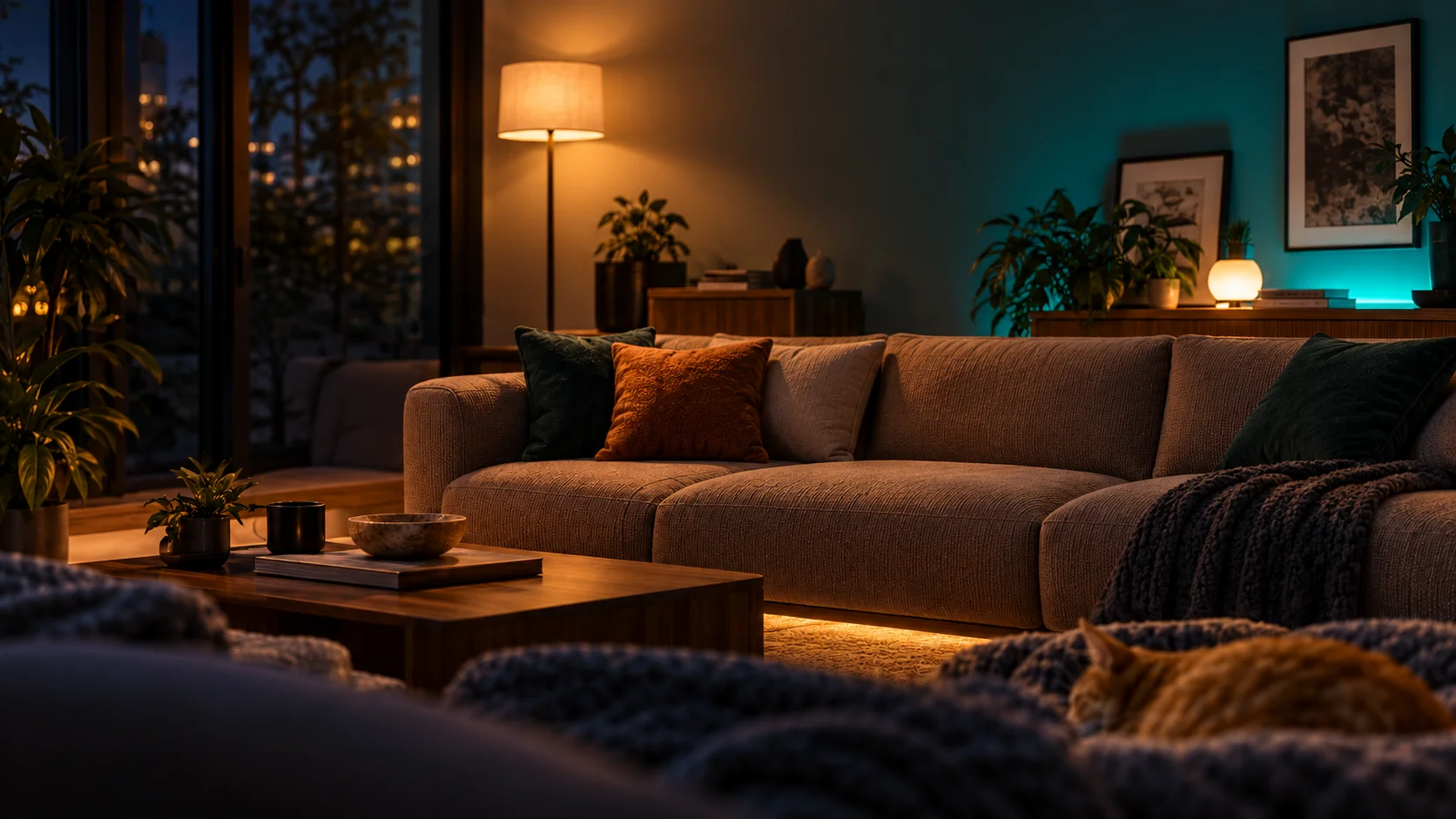
Illustrative scene preview—not live device control.
Scroll to change the scene
Everyday control without the app shuffle. Make your dashboard your own, and put the actions you use most within reach.
Run scenes and control device power from Windows Widgets. Keep your favorite controls close without opening the full app.
Explore Chantico 1.0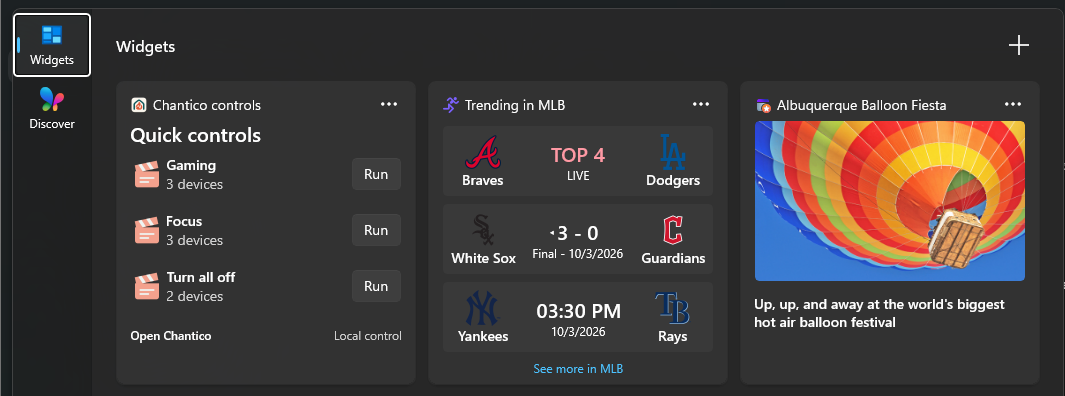
Control compatible devices on your local network. Your home configuration and activity history stay on this PC.
Privacy, by designStart a scene at a chosen time or when another device changes. Automations can continue with the background controller running, even when the app window is closed.
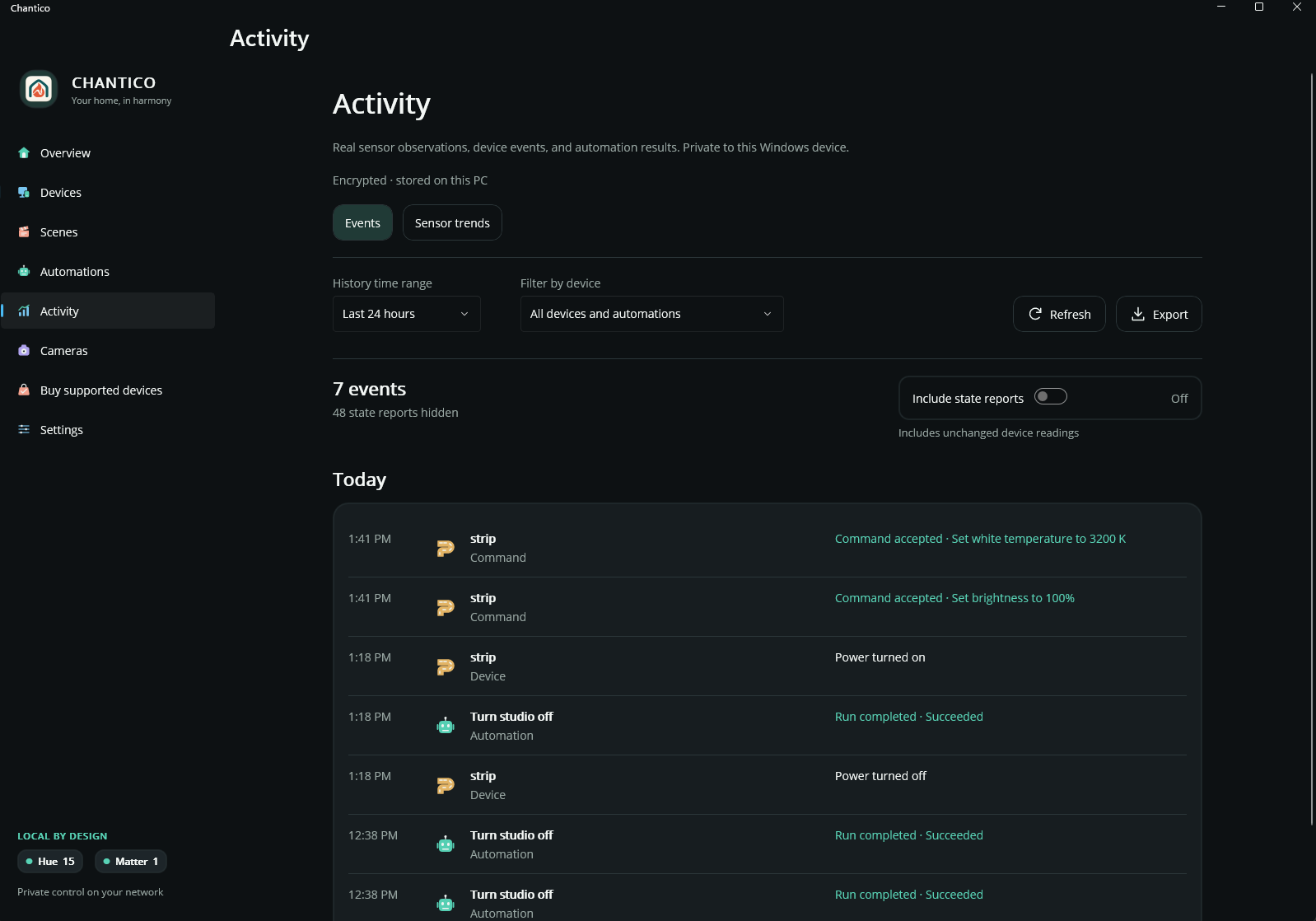
See device events, command outcomes, and automation results in Activity. Keep routine state reports tucked away until you need them.
Connect compatible AI tools through the optional local MCP server. Choose what they may see or control.
Explore AI integrationReal events. Useful context. Private history.
Chantico 1.0 is here. Free for Windows.
Get Chantico from Microsoft Store What’s new in 1.0